
Robotics is a practical way to bring science, technology, engineering and mathematics together. A robot can sense something in its environment, process information and respond through movement, light, sound or another action.
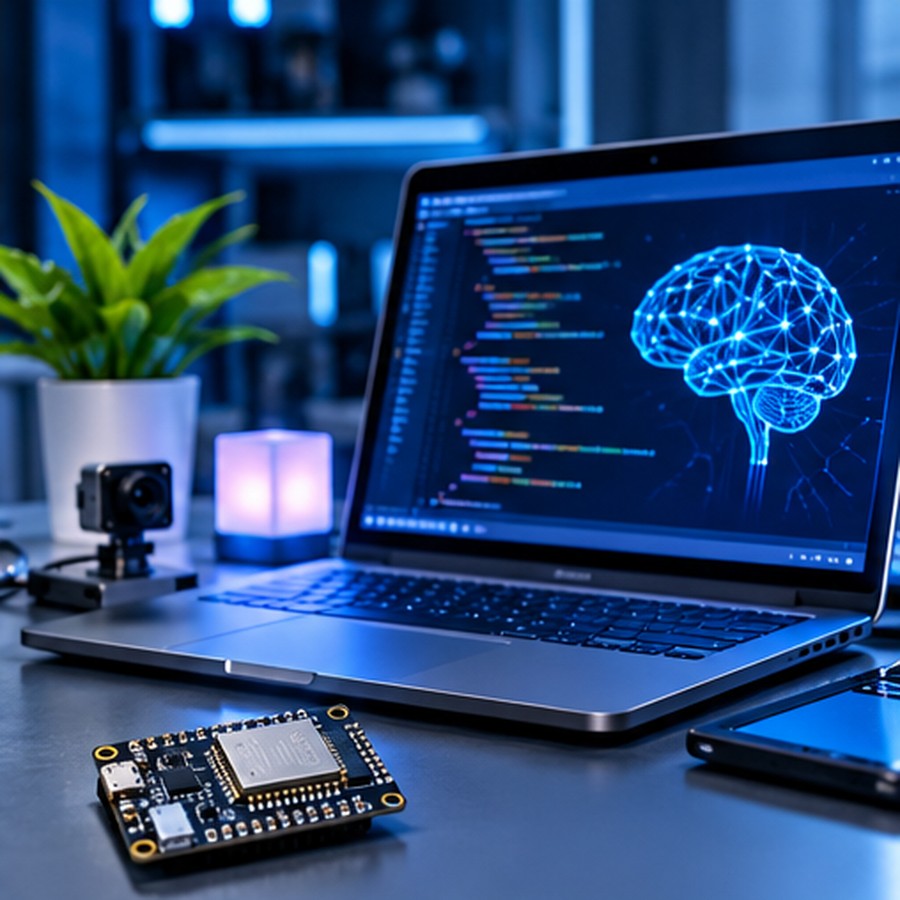
What are the main parts of a simple robot?
- Controller: A programmable board such as Arduino or ESP32 that runs the instructions.
- Sensors: Components that collect information, such as distance, light, temperature or moisture.
- Actuators: Motors, servos, buzzers and LEDs that let the robot perform an action.
- Power: A suitable battery or regulated supply selected for the board and components.
- Program: The logic that reads sensor values and decides what the robot should do.
Plan your first robotics project
- Choose a small problem. For example, detect an obstacle or switch on a light when a room becomes dark.
- Select the components. Match the controller, sensor, actuator and power supply to the project.
- Draw the circuit. Check the voltage, current requirements, polarity and pin connections before powering the circuit.
- Build in small steps. Test the sensor and actuator separately before combining them.
- Improve through testing. Observe what happens, change one thing at a time and document the result.
Beginner-friendly project ideas
- LED traffic light controller
- Ultrasonic obstacle detector
- Automatic street light using an LDR
- Soil-moisture based plant-watering prototype
- Smart dustbin using an ultrasonic sensor and servo
Build safely
Use a suitable low-voltage supply, check component ratings and avoid short circuits. Keep batteries protected from damage, and have a teacher or experienced adult supervise soldering, cutting tools and any work involving higher voltages. Never connect a low-voltage learning circuit directly to household mains electricity.
Keep learning with RocketSci
RocketSci Robotics & AI shares hands-on learning ideas, robotics projects, electronics resources and STEM program information for students, educators, schools and makers.
Explore Robotics & STEM Education · View School Programs · Explore Our Projects
Hi, this is a comment.
To get started with moderating, editing, and deleting comments, please visit the Comments screen in the dashboard.
Commenter avatars come from Gravatar.